From a Thousand Raw Files to a Handful of Edited Keepers, in Record Time.
The only software built for bird photography workflows. Import pictures from your camera, cull bursts automatically, edit with bird masks, turn keepers into prints and posts, put every photo on the map, export for DxO or Lightroom and publish eBird checklists, all on your own computer.
Your birding sessions, organized from the start.
Import
From your camera over USB, or any folder or memory card.
Sessions
Name the trip and say where it was. Species suggestions then favour the birds found there.
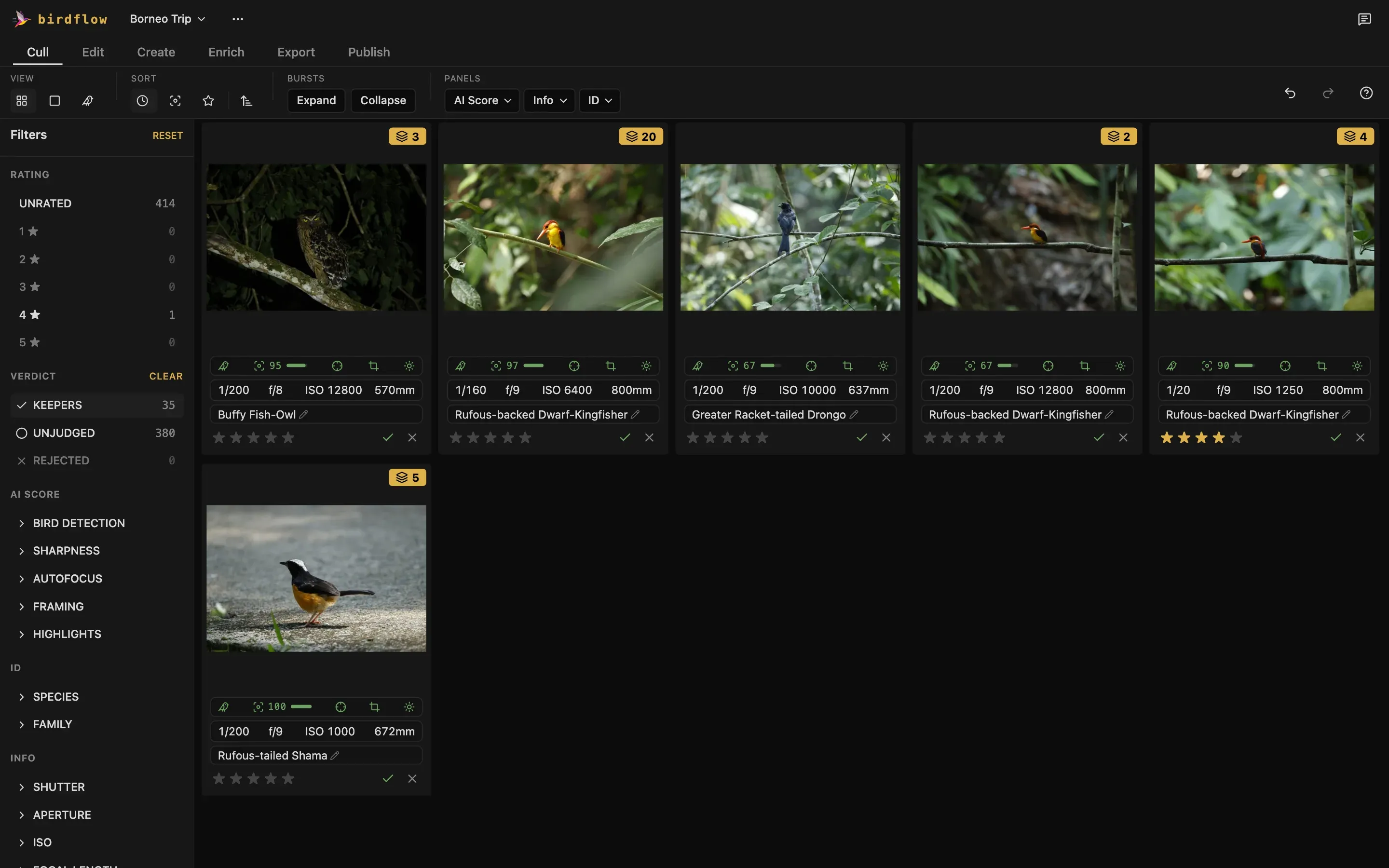
A thousand photos, sorted in one pass.
Every frame is checked before you see it: is there a bird, is it sharp, did the focus land on it, what species is it? Bursts collapse to their best frame, so culling a trip takes minutes, not evenings.
Bursts
Frames shot close together stack into one, with the sharpest on top. You judge the burst once, not every frame.
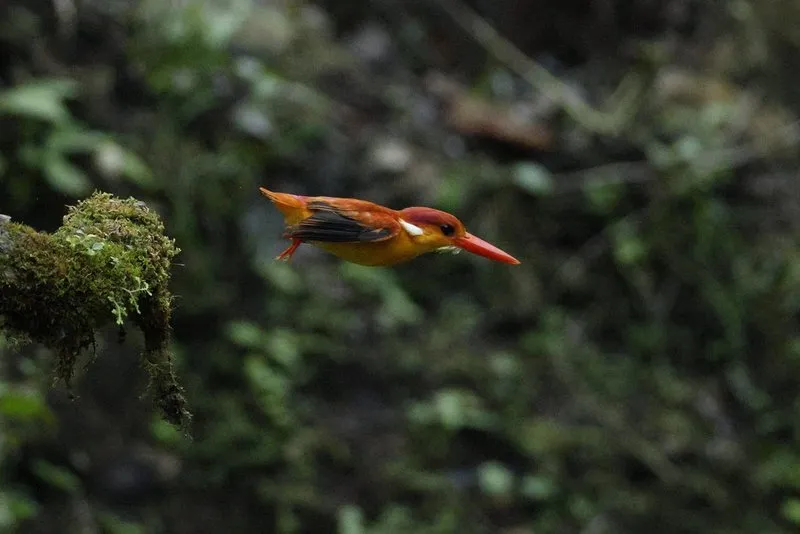
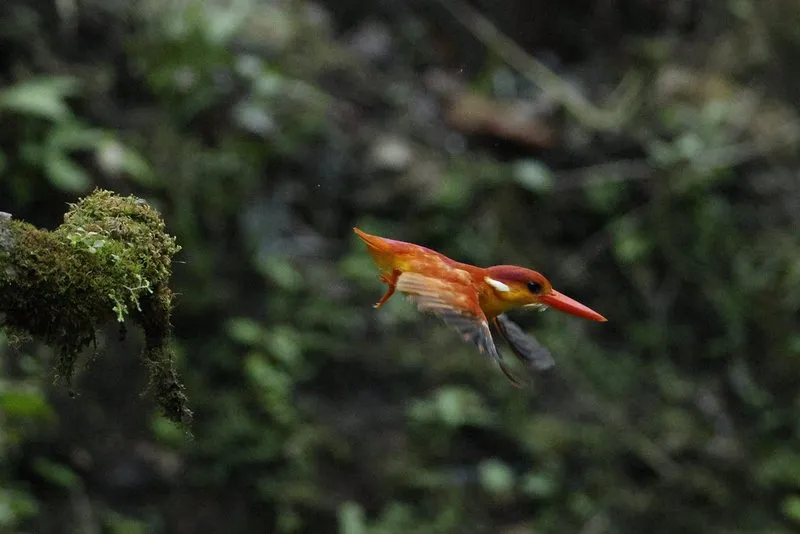
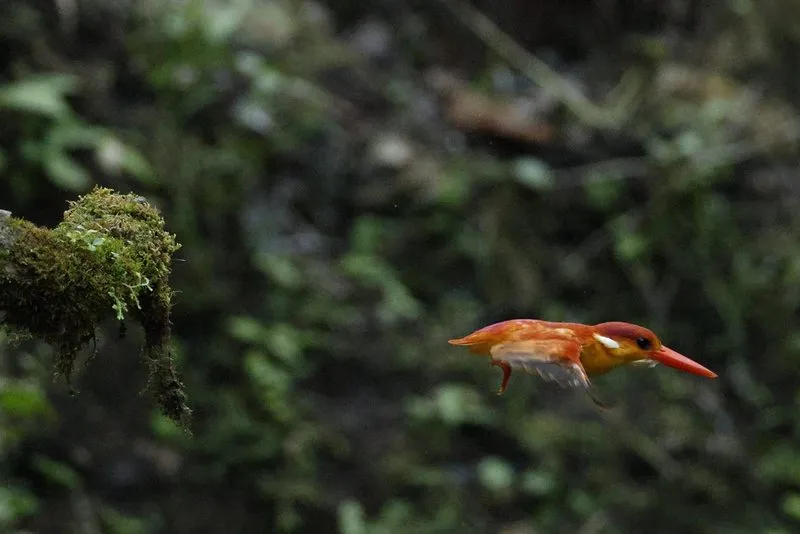
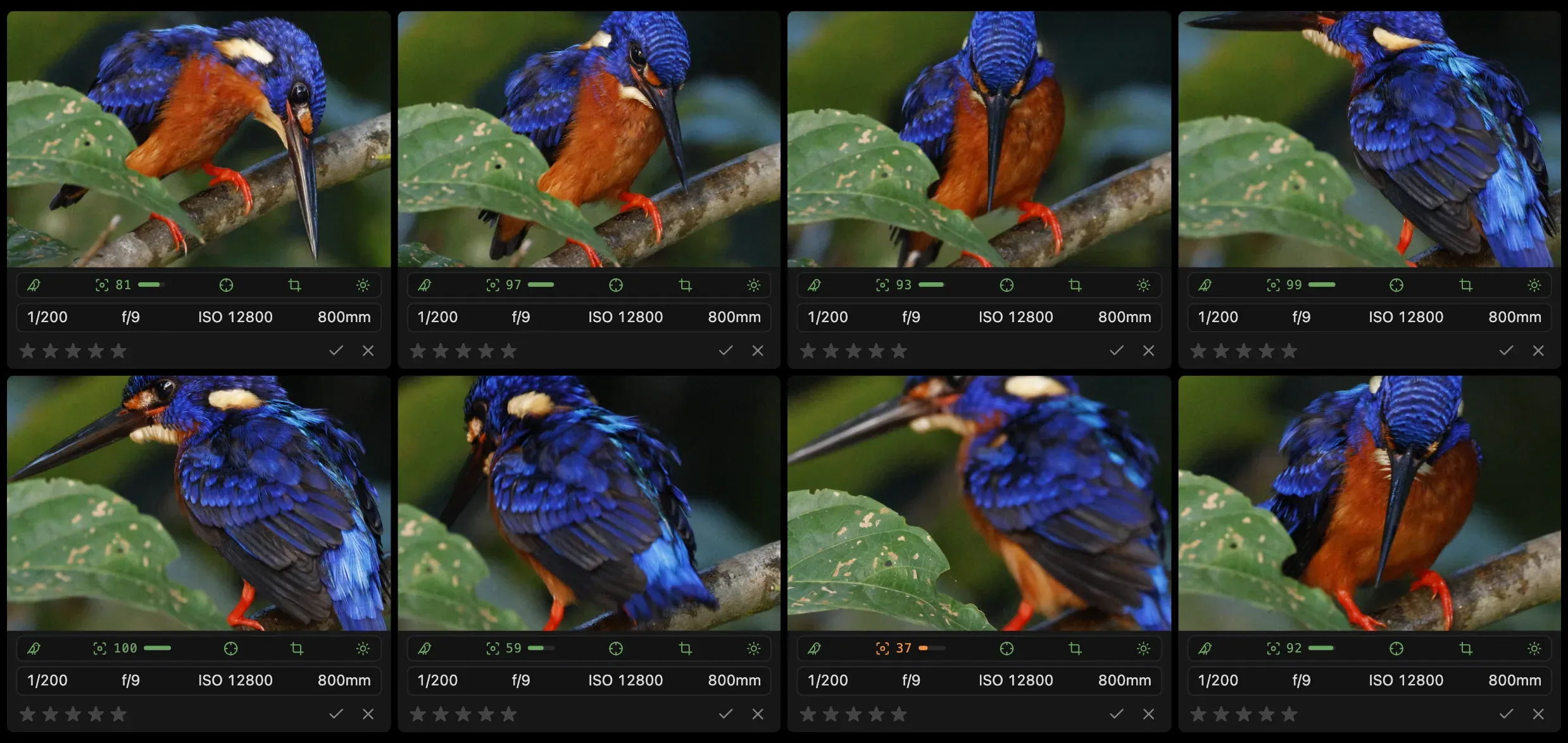
Compare
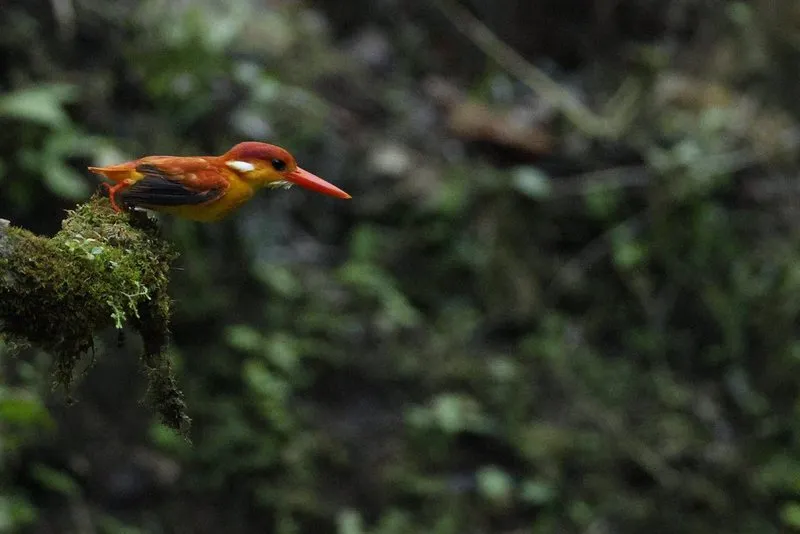
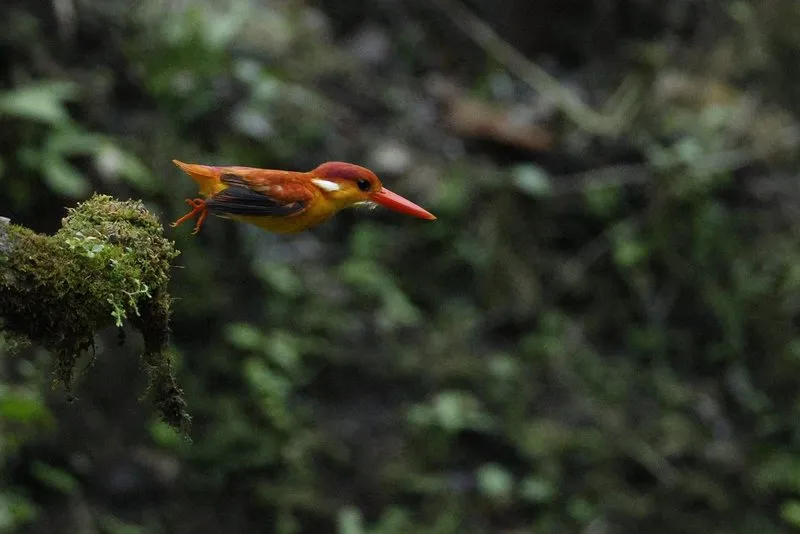
Up to eight photos side by side, zoomed in together, each on its own bird. The sharpest frame stands out at a glance.
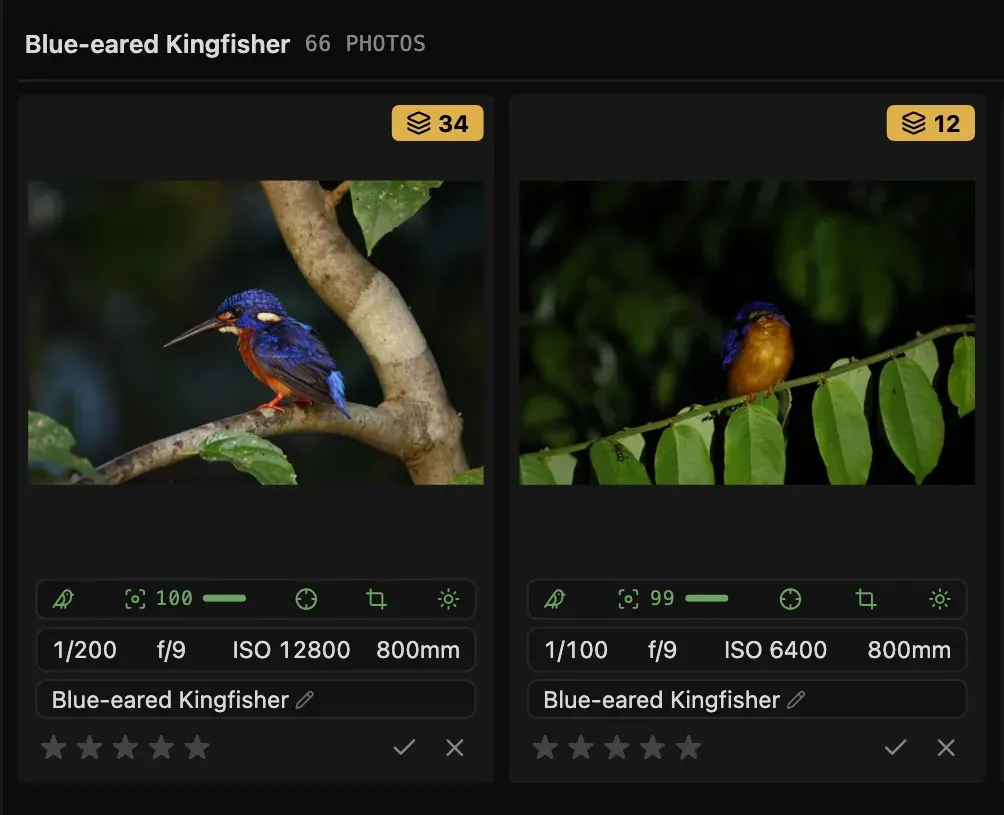
AI Species ID
AI suggests the species of every bird, anywhere in the world. Override it with one click when you know better.
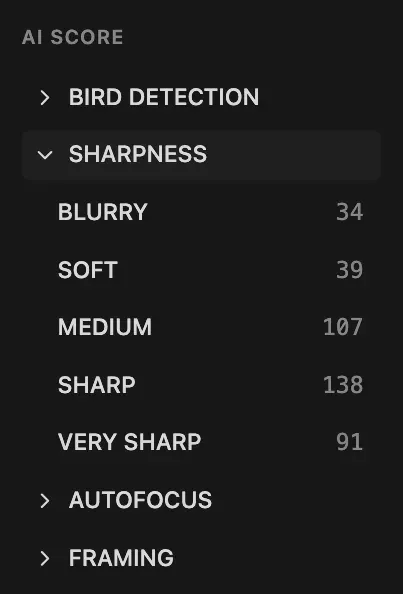
Filters
Show only the grades you want, Blurry to Very sharp, or what fails a check: No bird, AF off bird.
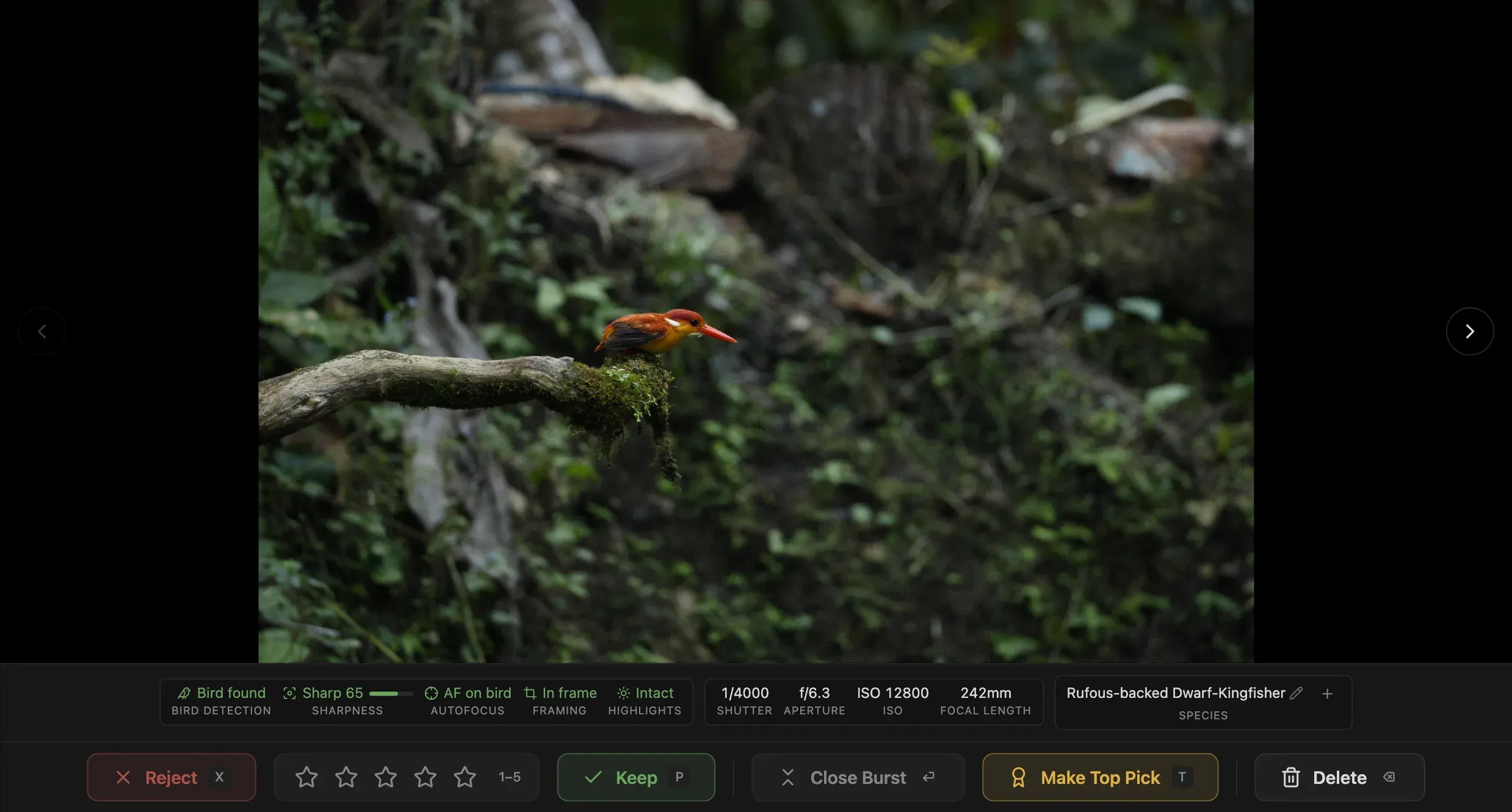
One by One
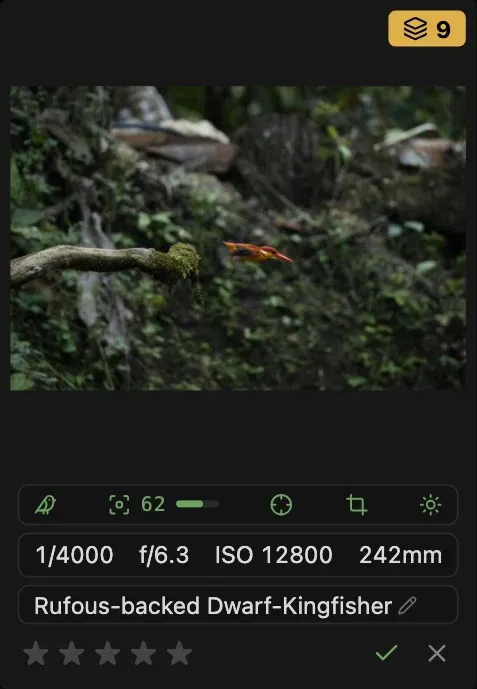
Every photo full size, with its AI Score underneath. P keeps, X rejects, 1 to 5 rates.
A full editing flow, with masks that find the bird.
Light, crop, denoise, masks and repair, in one place.
Repair
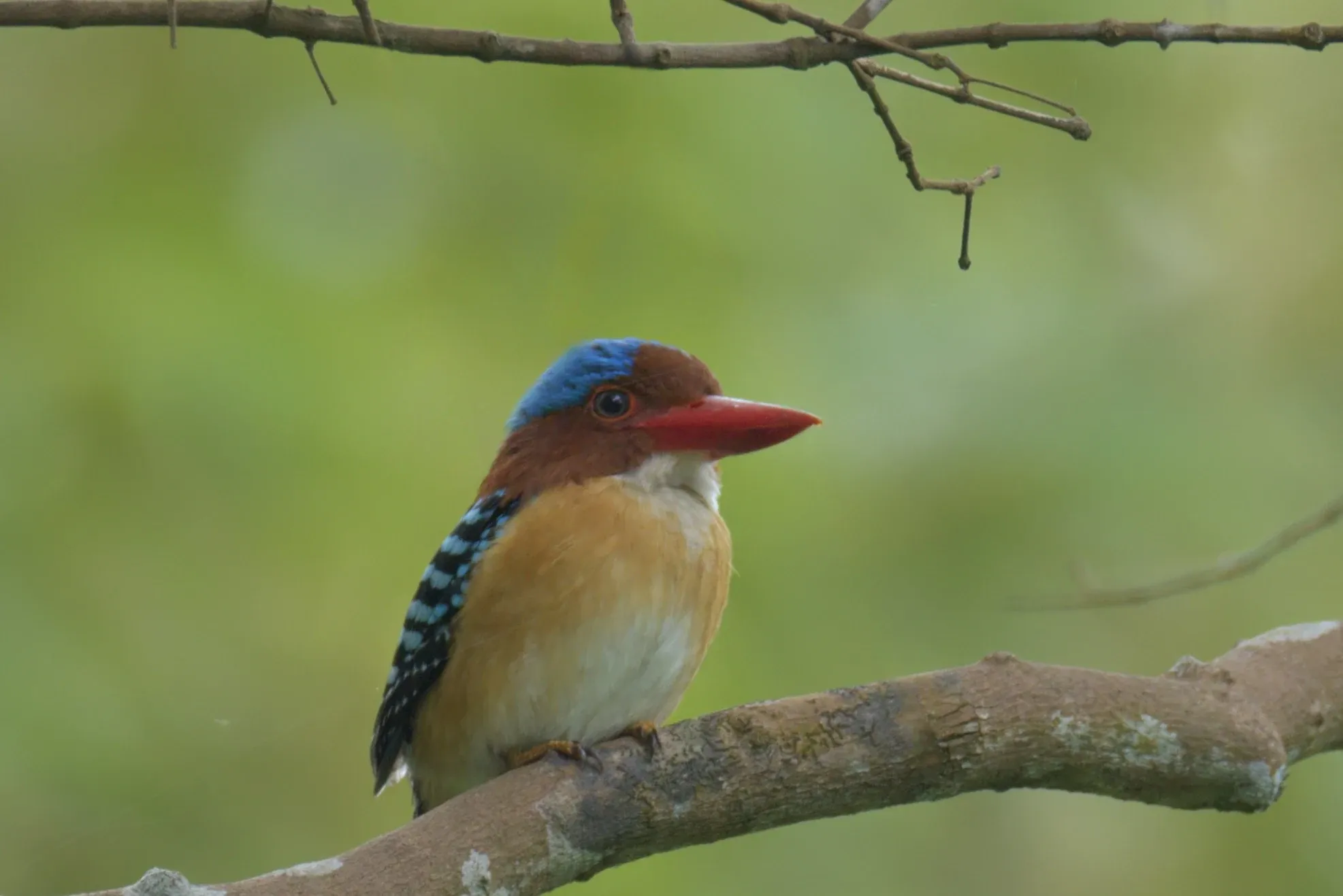
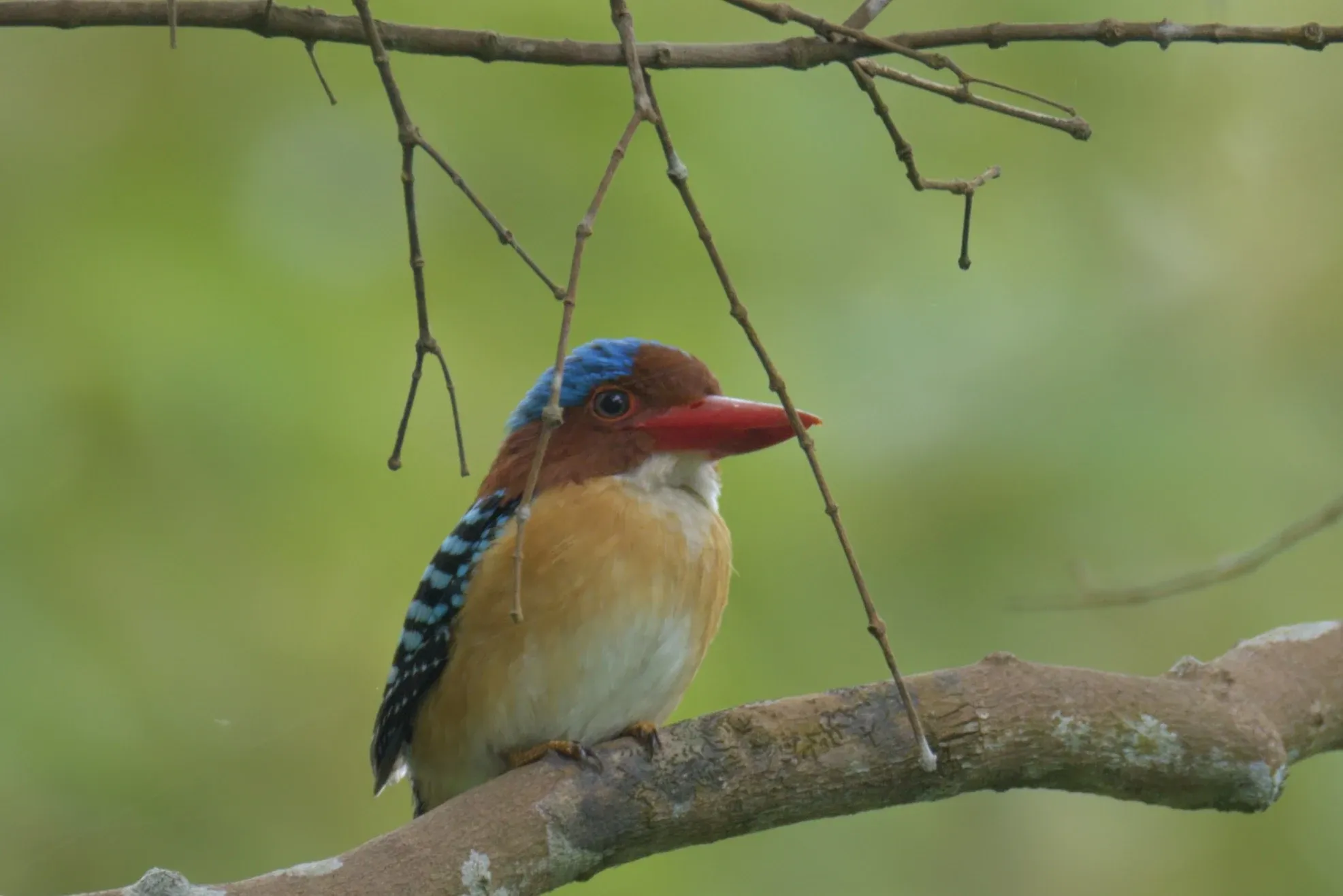
Paint loosely over a twig and it's gone: AI finds its outline and fills in what was behind it. Heal and Clone take care of smaller spots. Drag to compare.
Bird Mask
Bird or background in one click, plus line, radial and brush masks. Here: the bird's Shadows +20 and Saturation +15, the background -1 EV.
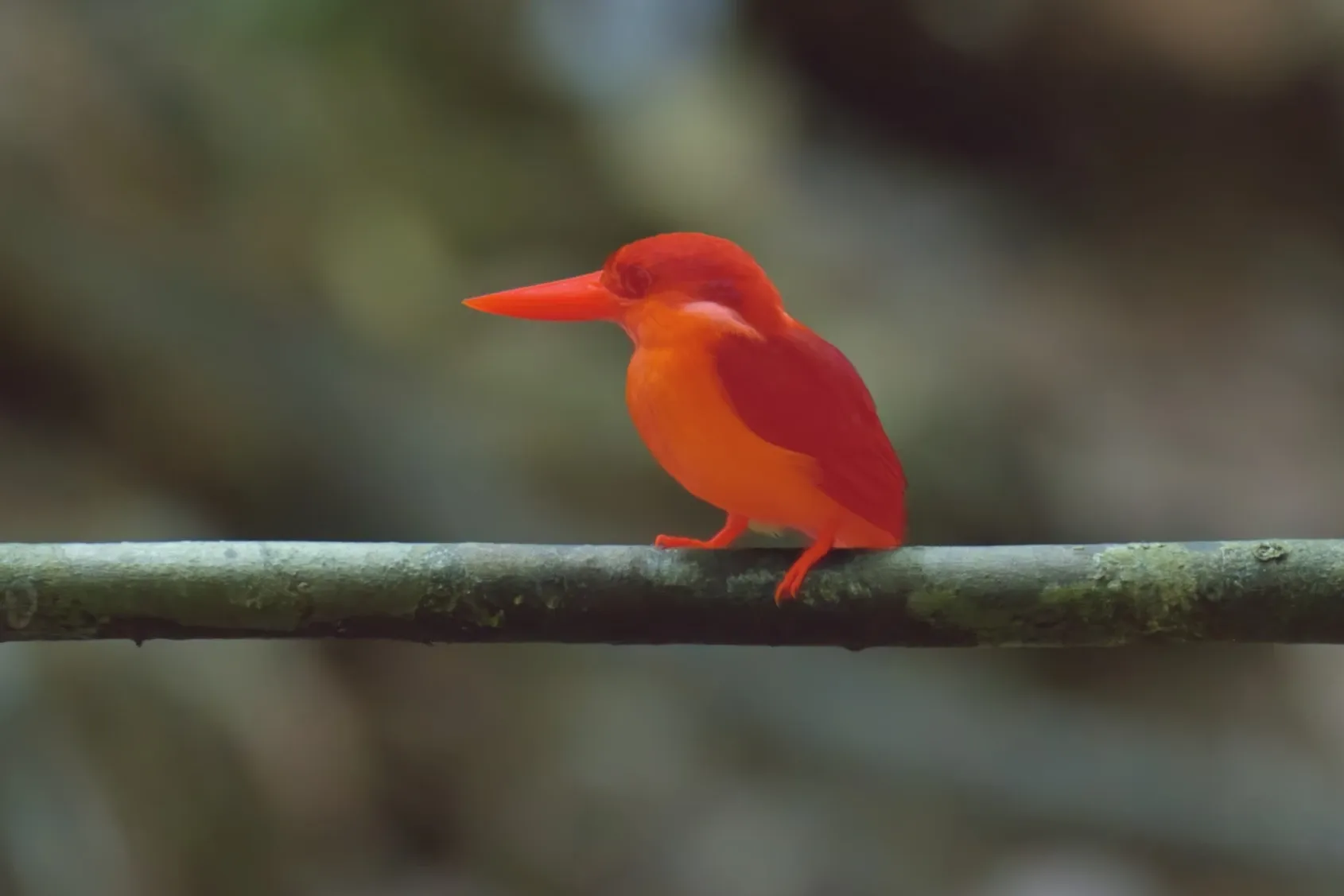
Denoise
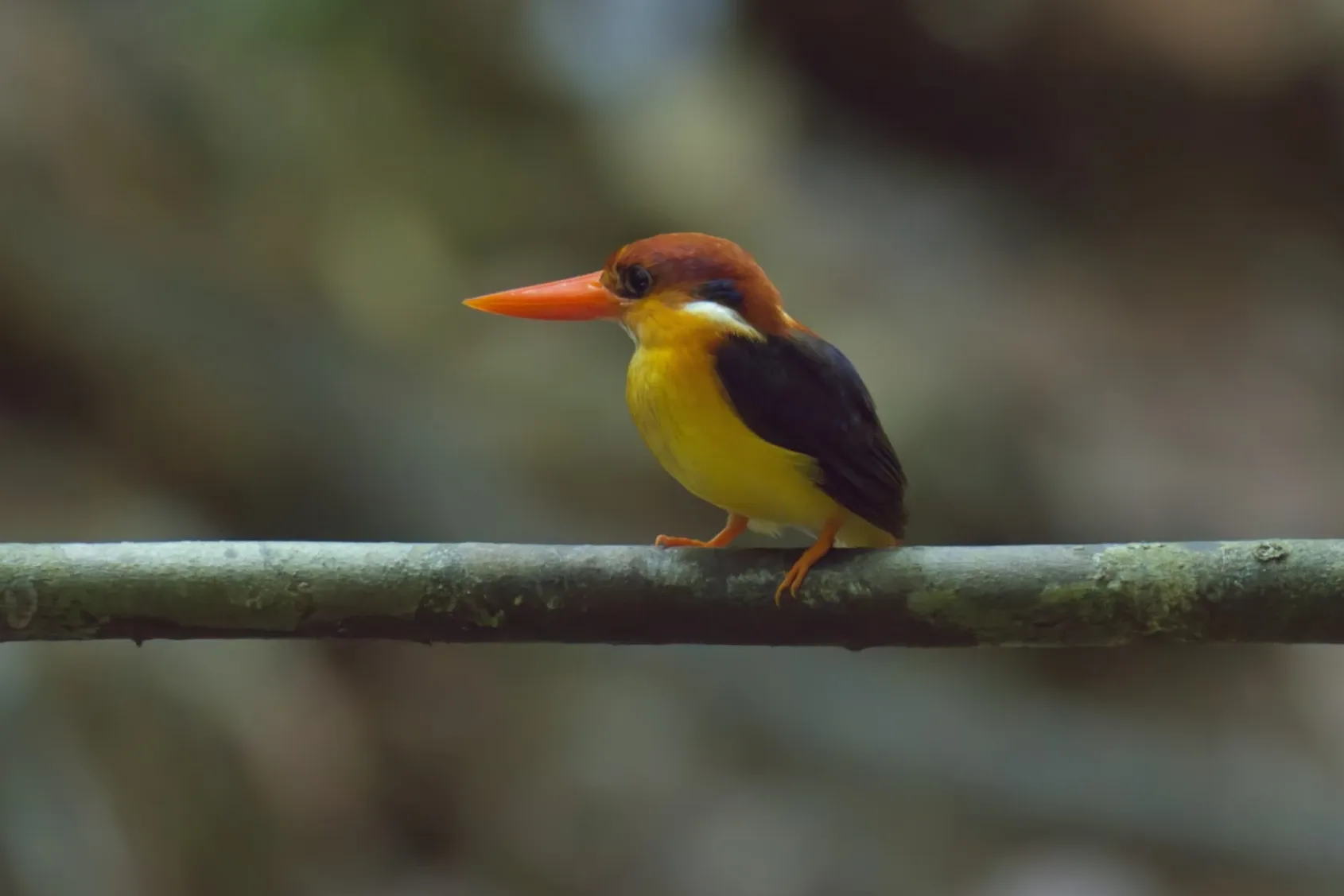
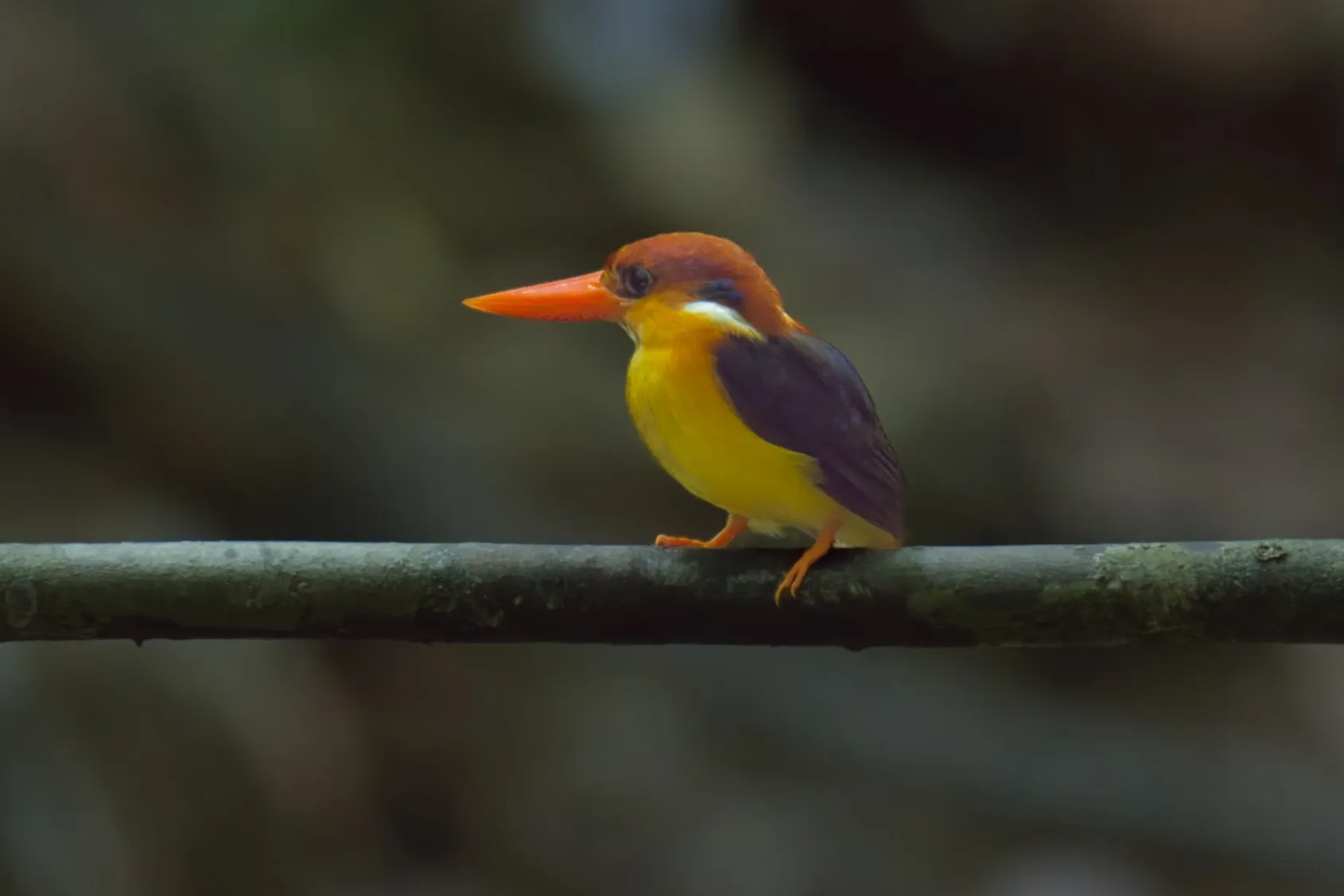
For high-ISO raw photos. Drag to compare, ISO 12800.
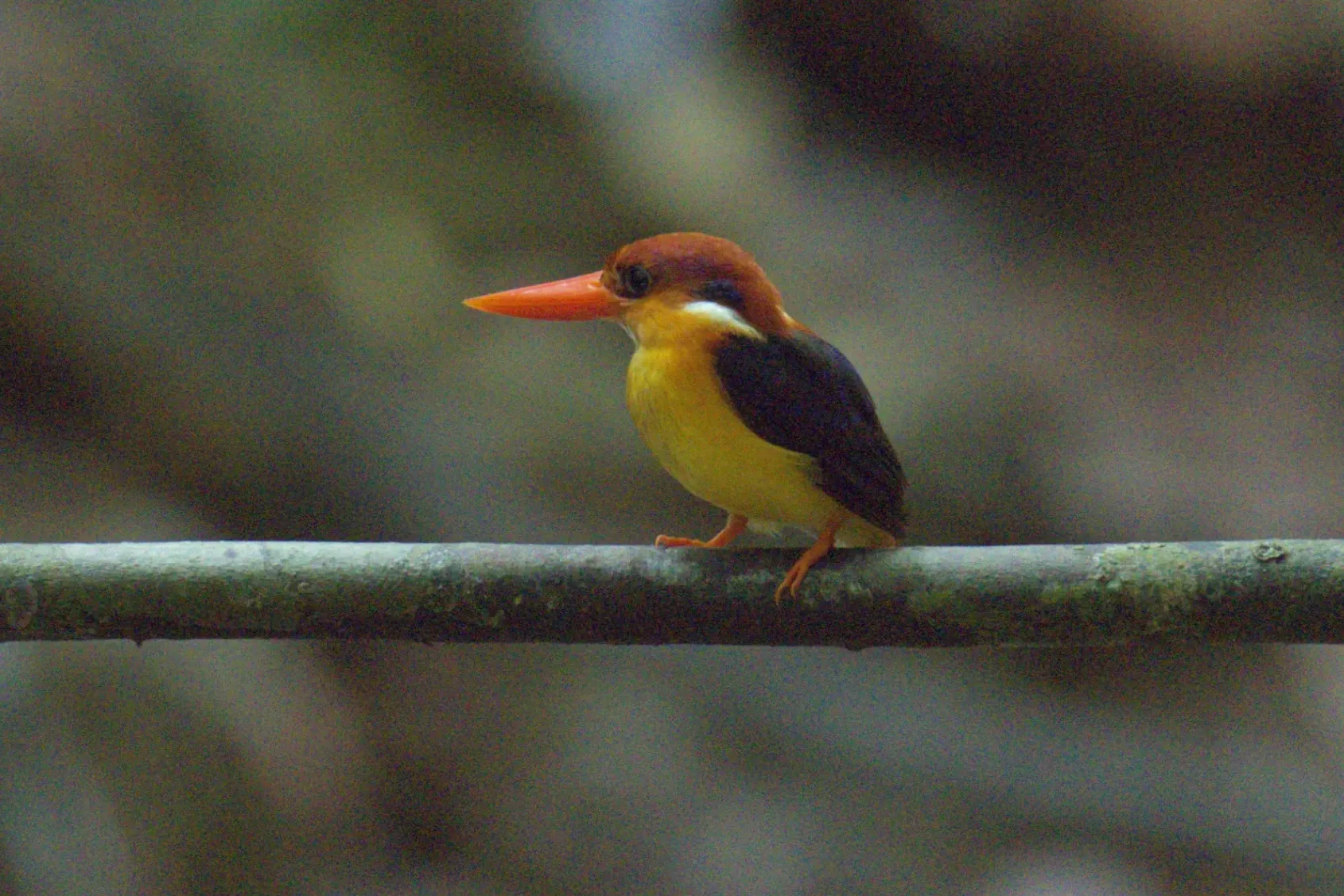
Crop, Denoise and Masks
Reframe, clean up noise and paint a mask.
From keeper to showpiece.
Turn your keepers into prints and posts, in a few clicks.
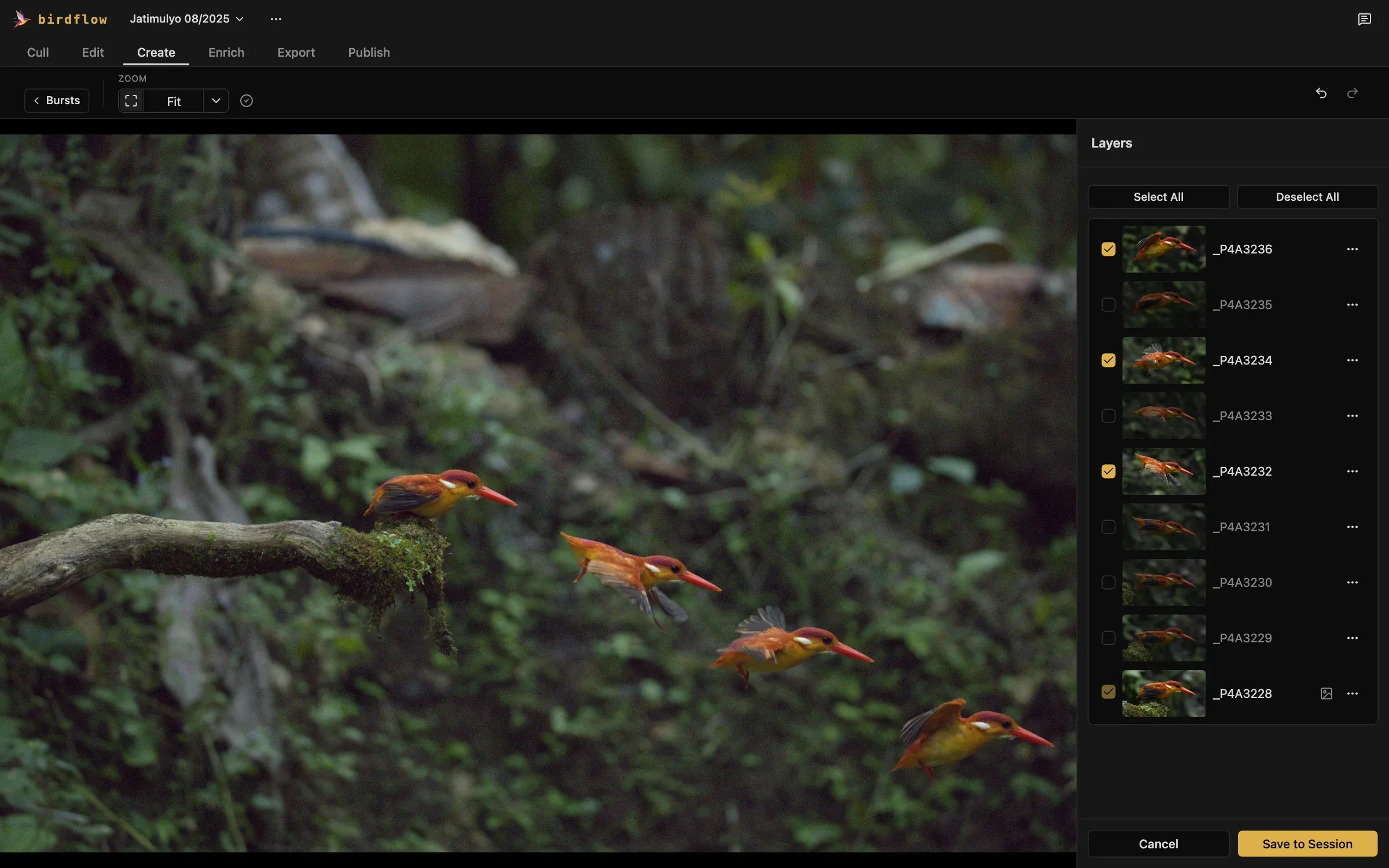
Sequence
One bird, many moments: frames of a burst along its flight path.
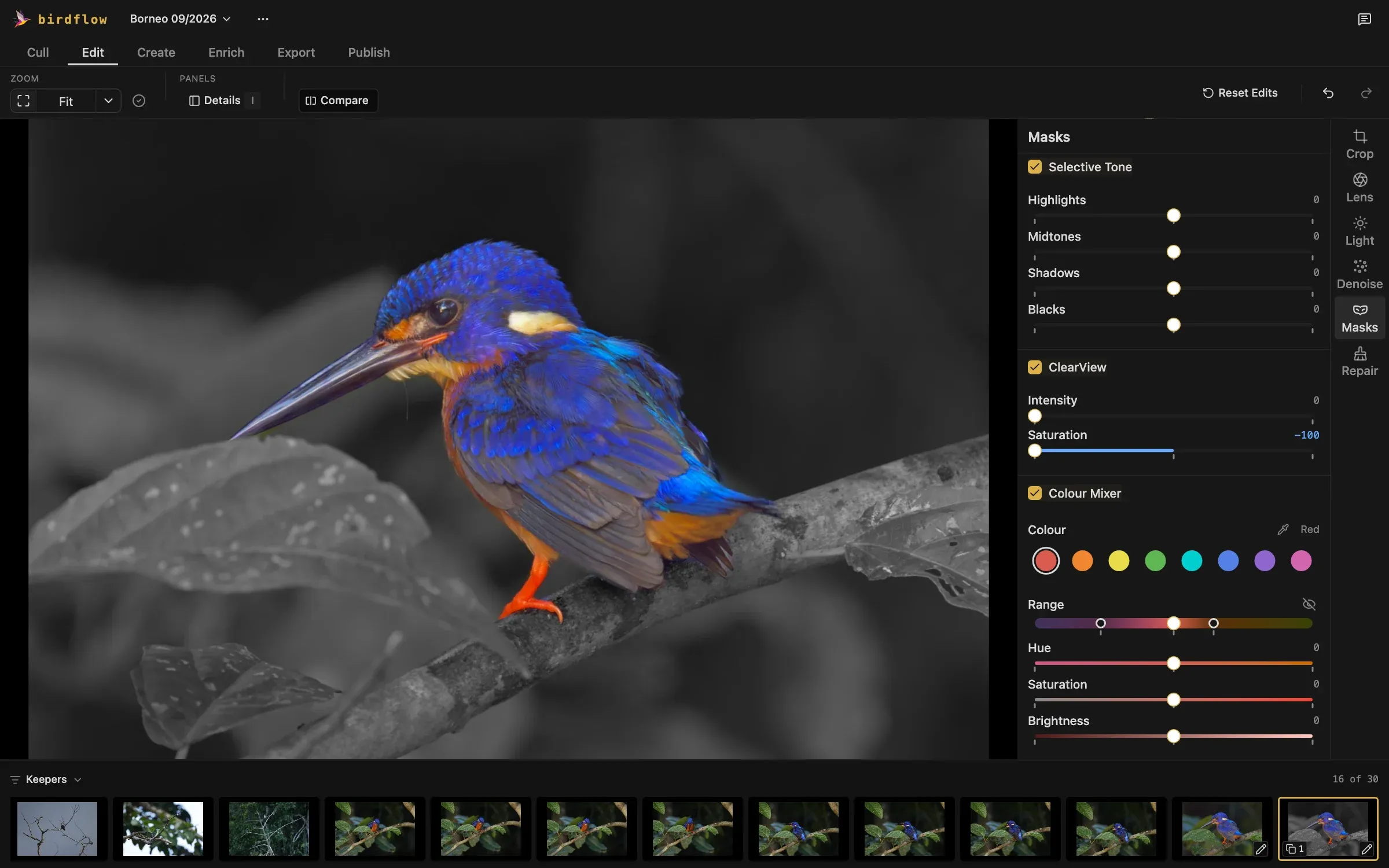
Colour Pop
The bird in colour, everything else in black and white.
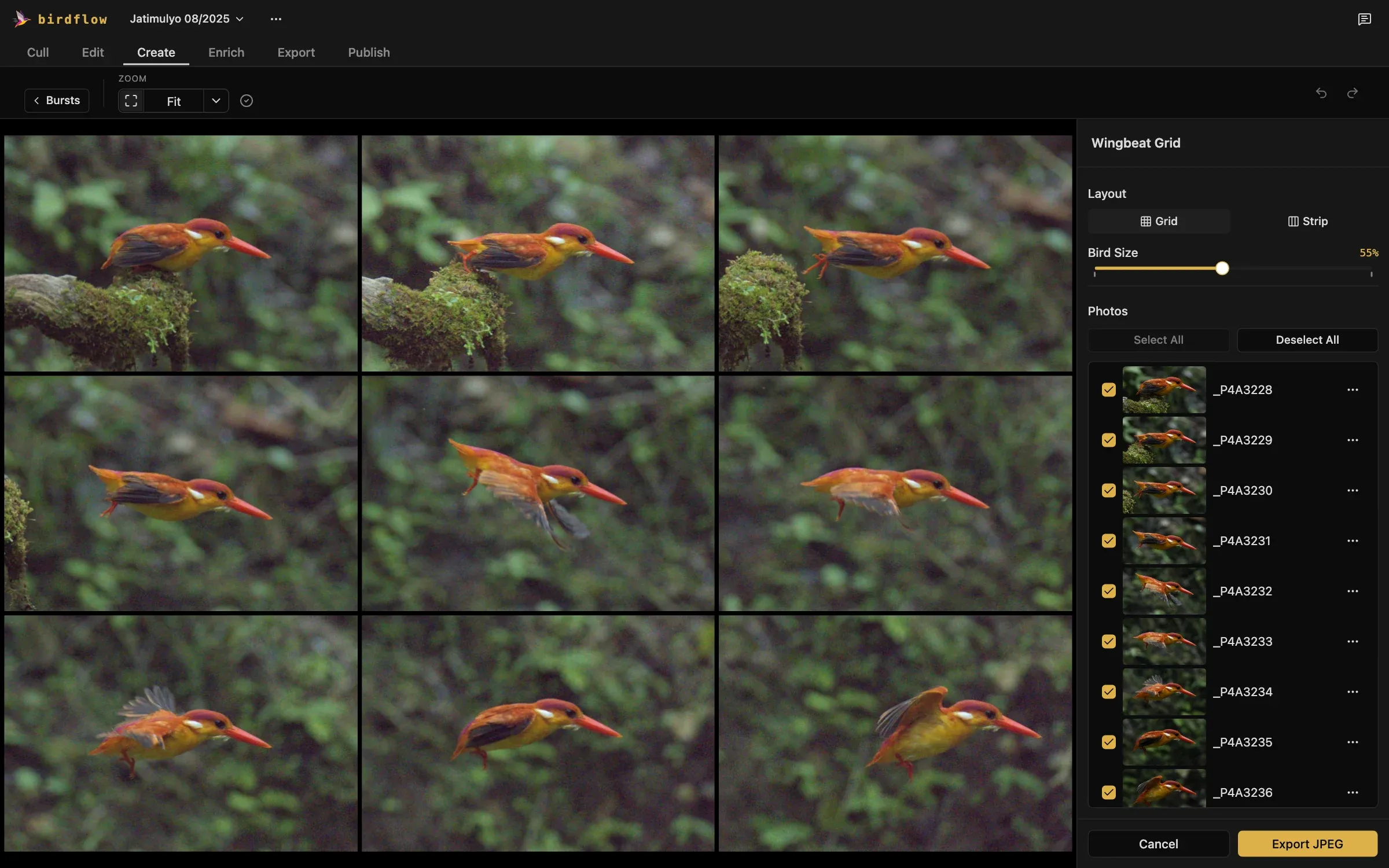
Wingbeat Grid
Every wing position from one burst, side by side.
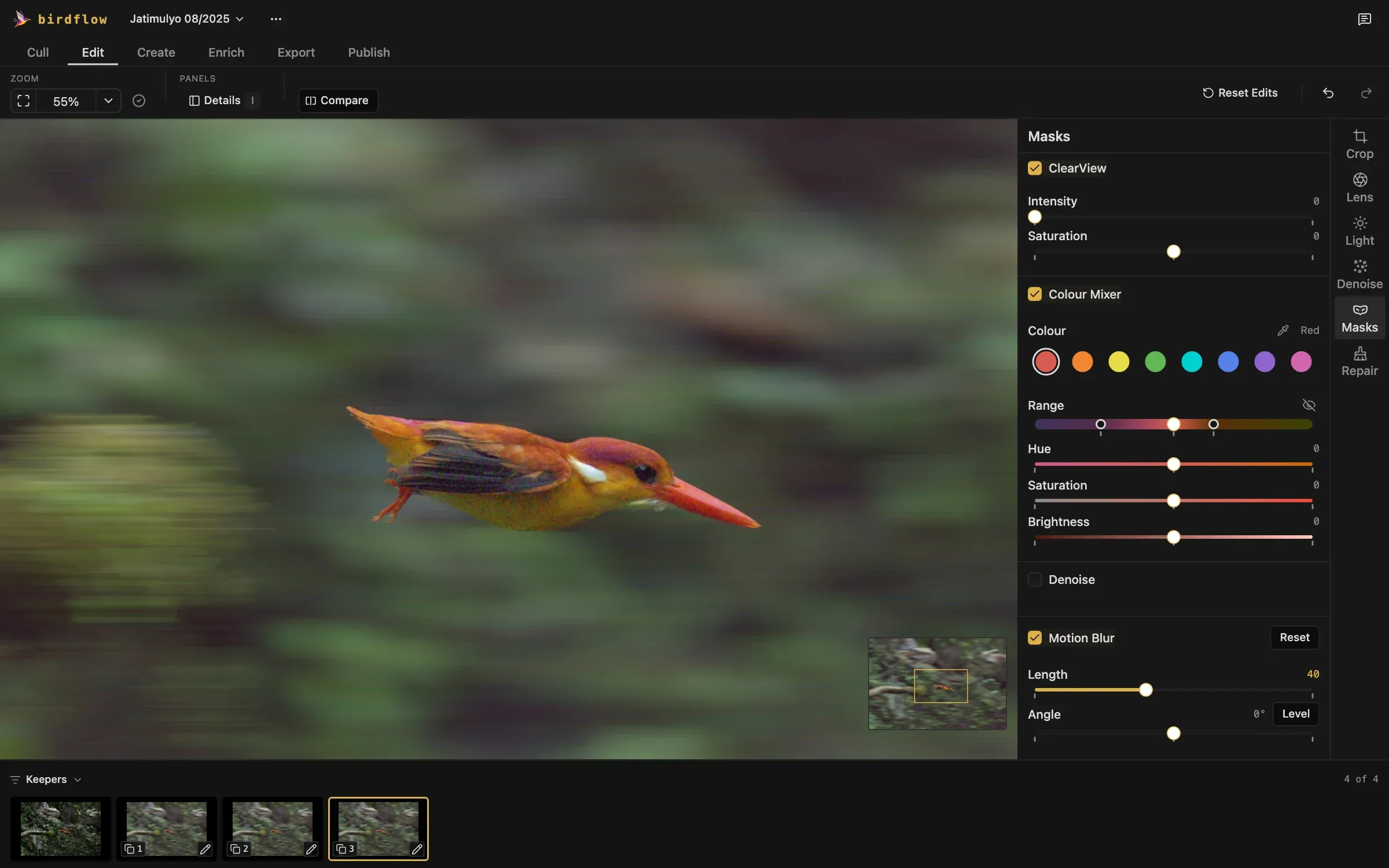
Pan Blur
A sharp bird against a background streaked by speed.
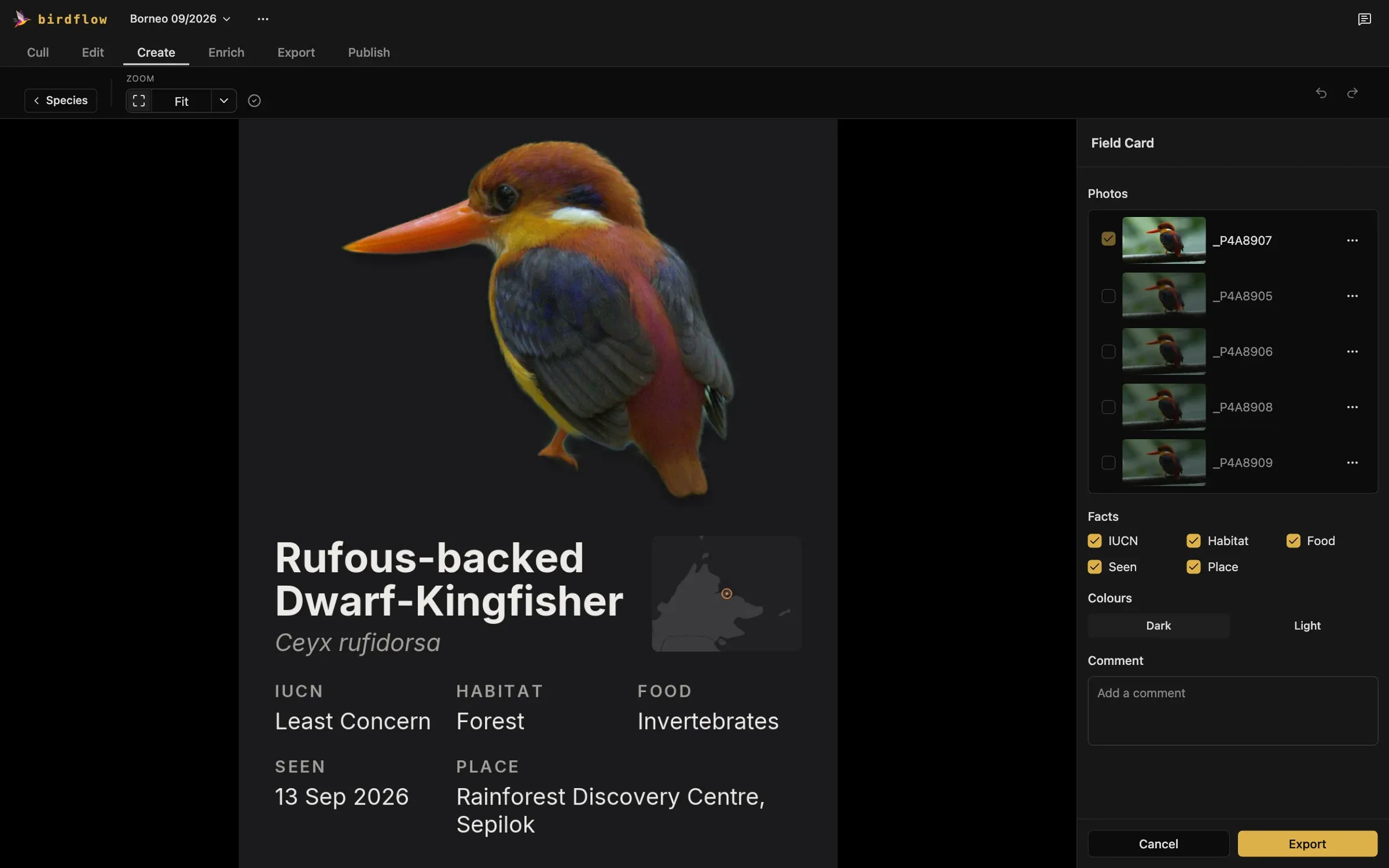
Field Card
One species: your photos, its facts, where you saw it.
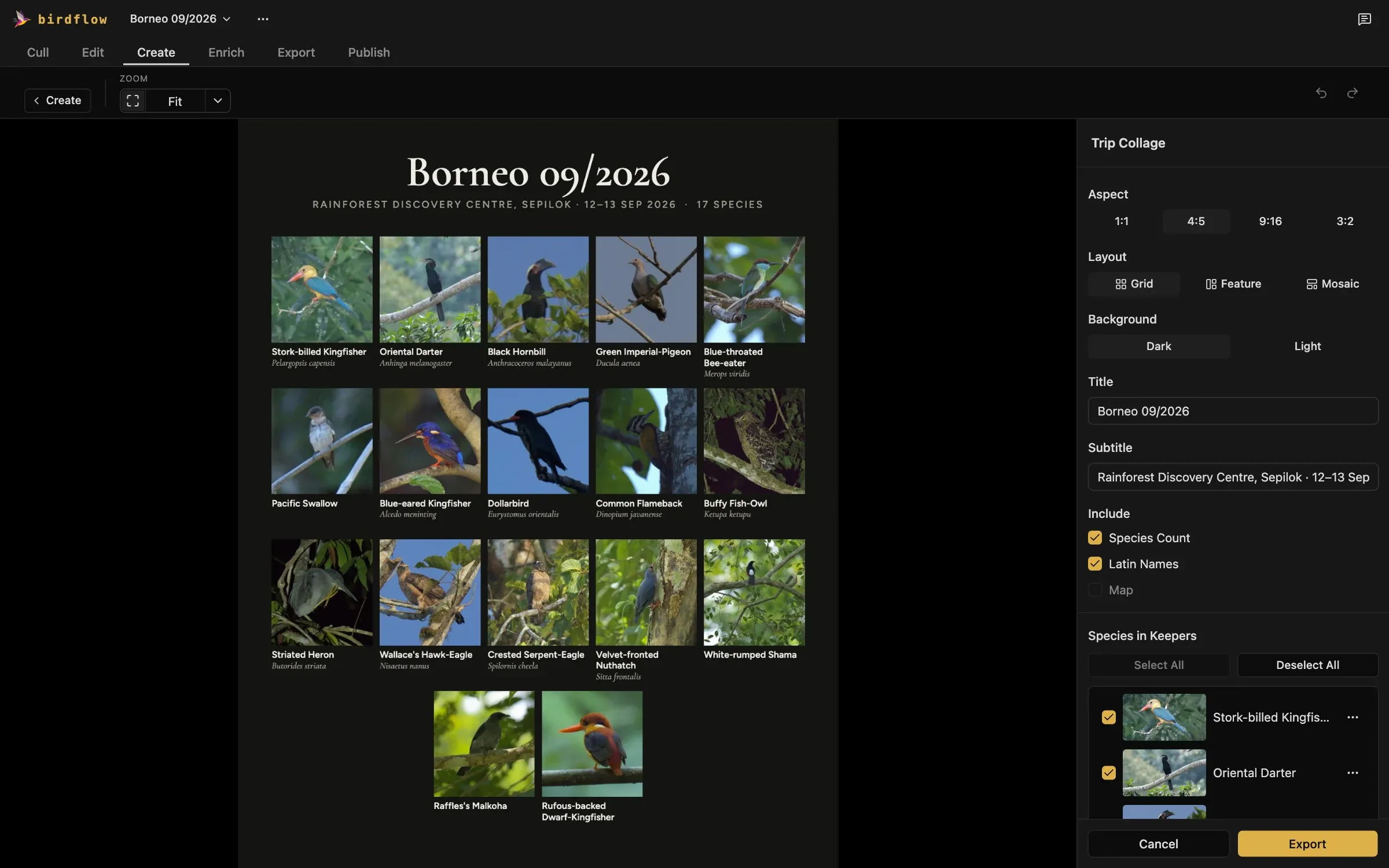
Trip Collage
The best photo of each species from the trip.
Every photo, pinned to where you took it.
Most cameras record no location. Put every photo on the map in seconds, ready for your checklists and your archive.
- Import a GPX track from your phone or watch.
- Drag photos onto the spot where you took them.
- Use your camera's own location, if it records one.
JPEGs for sharing, originals for your editor.
- JPEG at any size, with presets for Instagram and WhatsApp.
- The original file, with a sidecar for DxO or Lightroom.
- Camera data, location, rating and species carried along.
An eBird checklist from what you photographed.
- A separate checklist for each place you visited, even several in one day.
- Each checklist pinned to the coordinates where you took the photos.
- Species filled in from your photos, counts and notes before you upload.
- Exported as an eBird-compatible file, ready to upload at eBird.
Your photos stay on your computer.
Runs Locally
Culling, scoring, species identification and edits run on your computer.
No Account
Download it and start. No sign-up, no login.
Requires Internet Only for the Basics
It goes online for setup, maps and place names, never to upload a photo. See everything it connects to.

Spend your time birding, not sorting.
Every feature, free for 10 days of use.